Goodreads Book Clubs
UI/UX
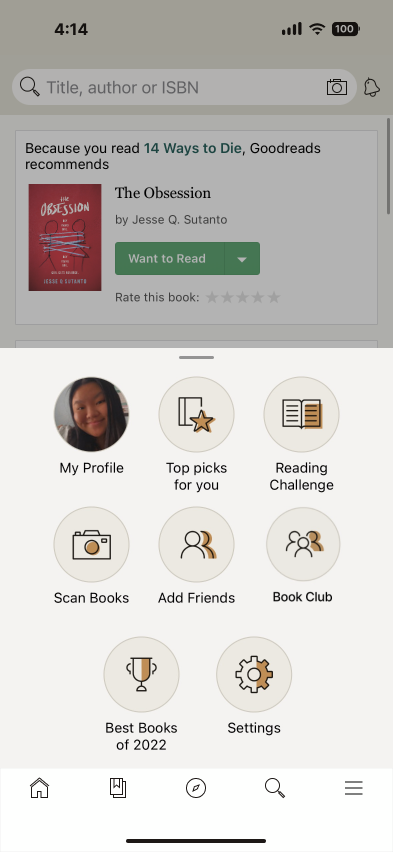
For this project, I was tasked with taking an existing app and adding a new feature to it. Something I love to do is read, which led me to choose Goodreads for this redesign. The project focused on thoughtfully extending the app’s functionality while staying true to its established brand and user experience. Through research, ideation, and visual design, I aimed to create a feature that feels intuitive, cohesive, and aligned with how readers already use the platform.

Goodreads is the world’s largest app for readers and book recommendations.
Goodreads allows their users to search for book recommendations and track the books they are reading, have read, and want to read. Users are also able to rate and review the books they’ve read.
How could Goodreads get even better? By adding a Book Club feature!
With this new feature, users are able to:
Connect with more people
Join or Create a book club
Read books along with others
Converse about books you are reading
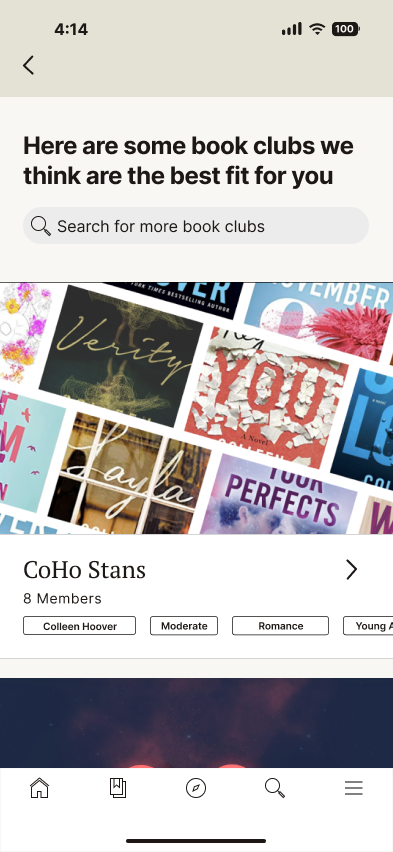
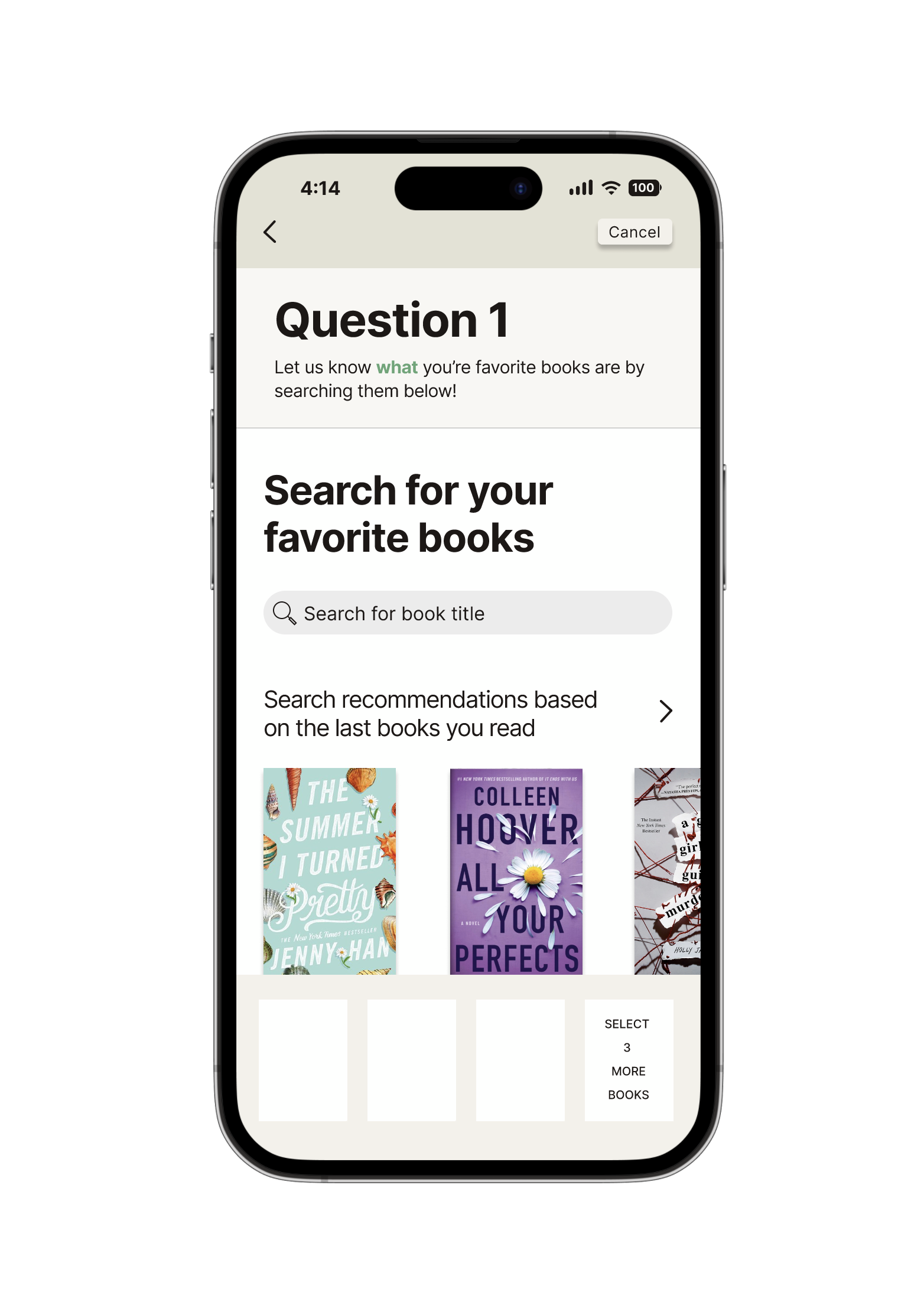
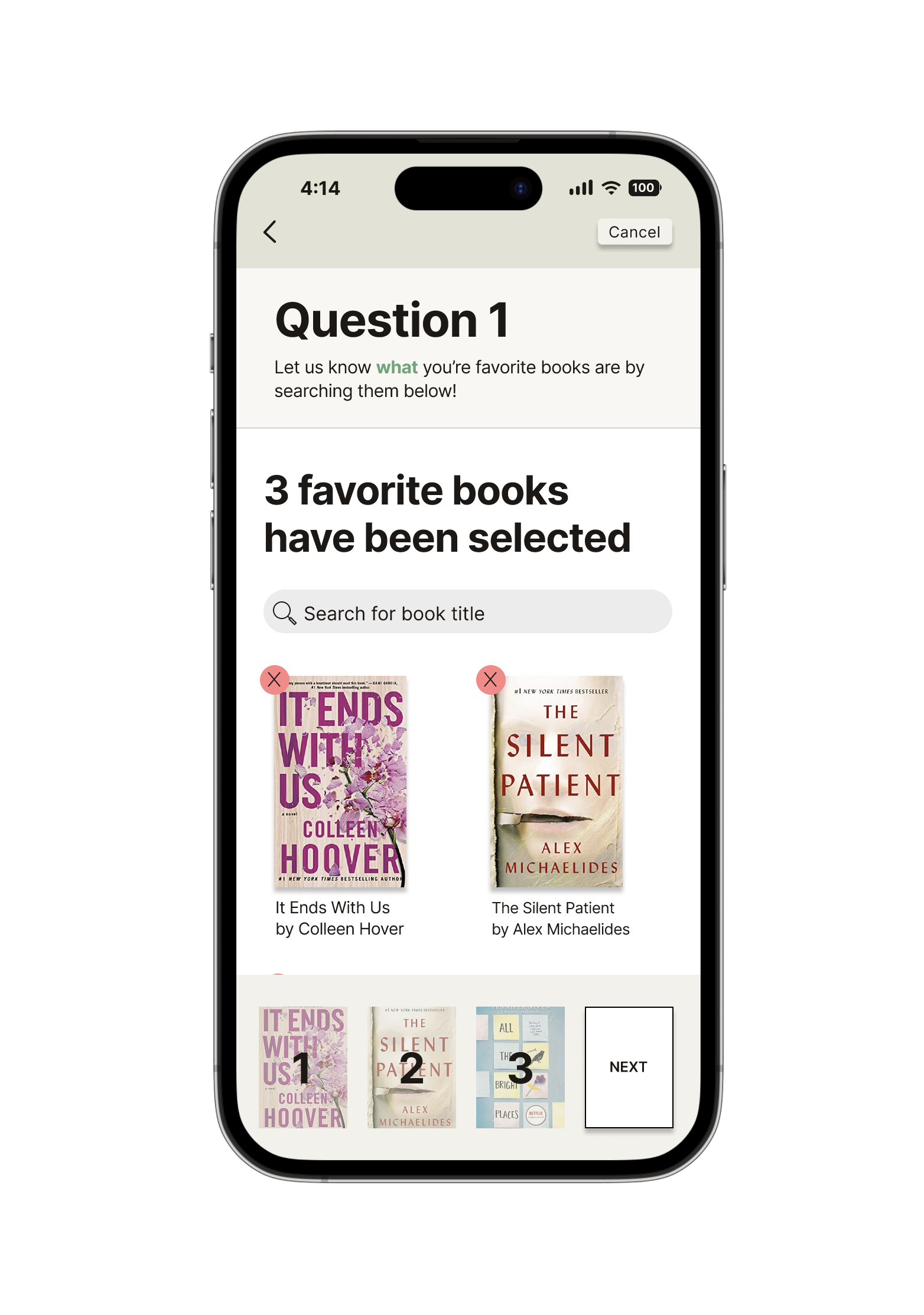
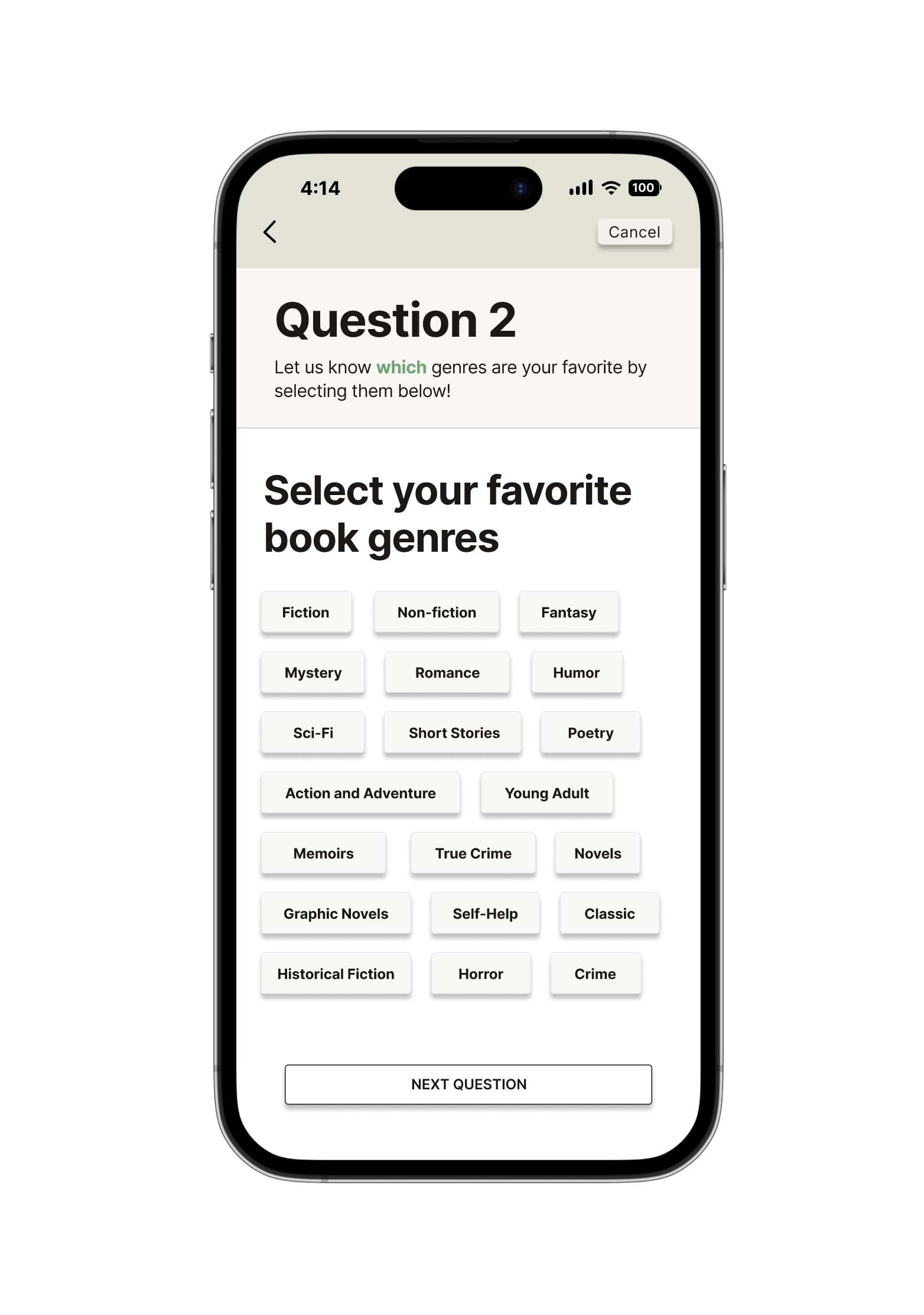
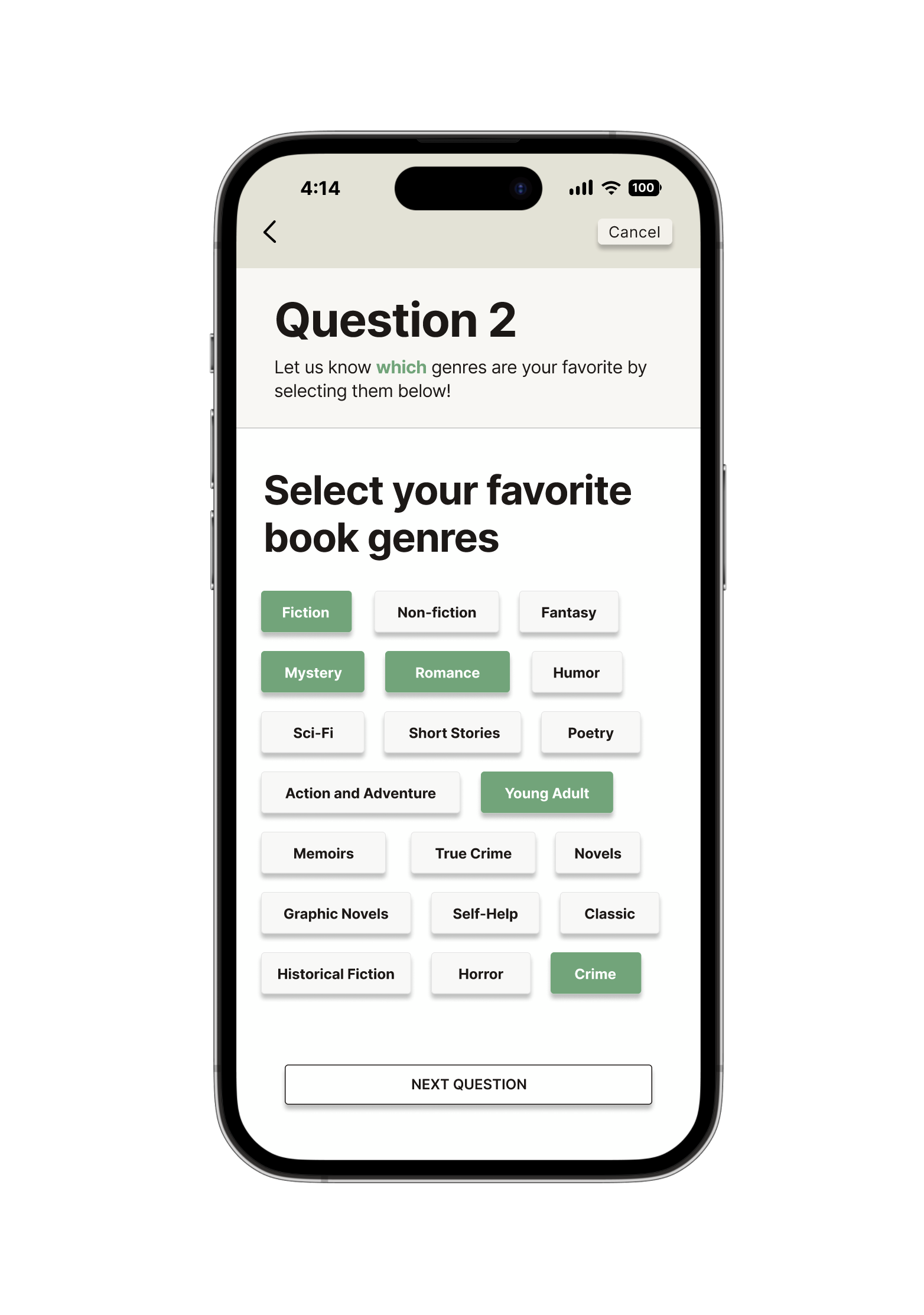
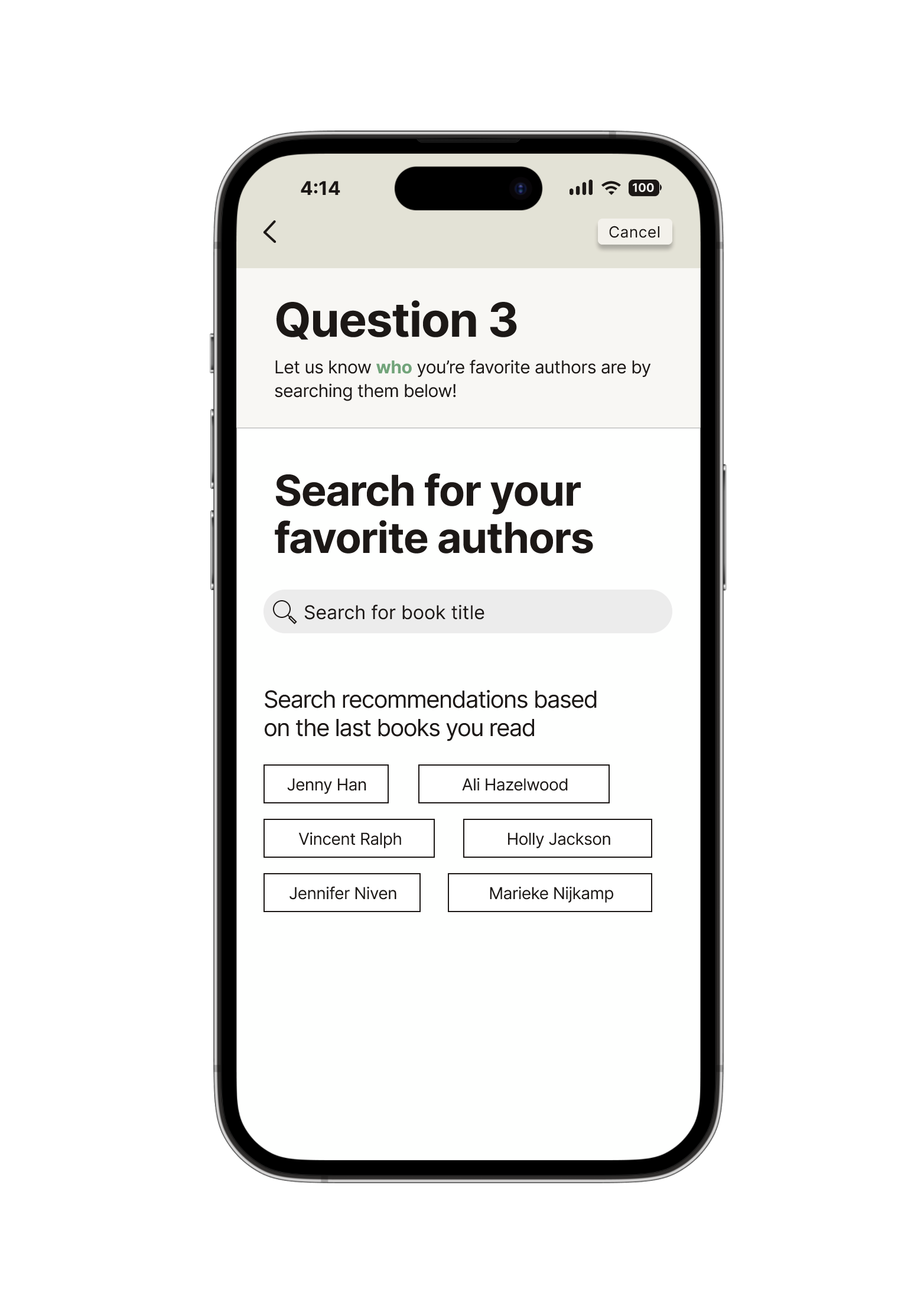
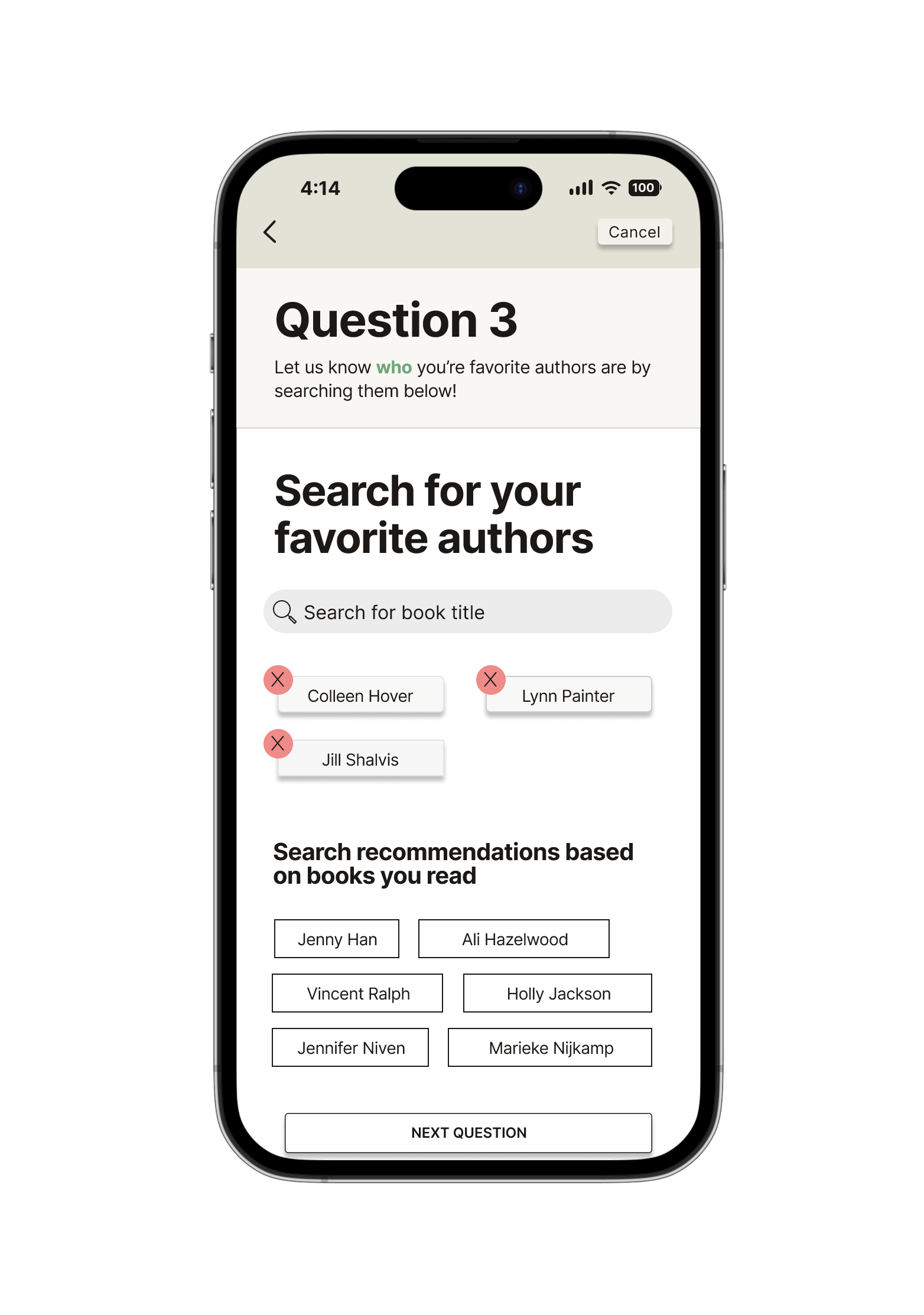
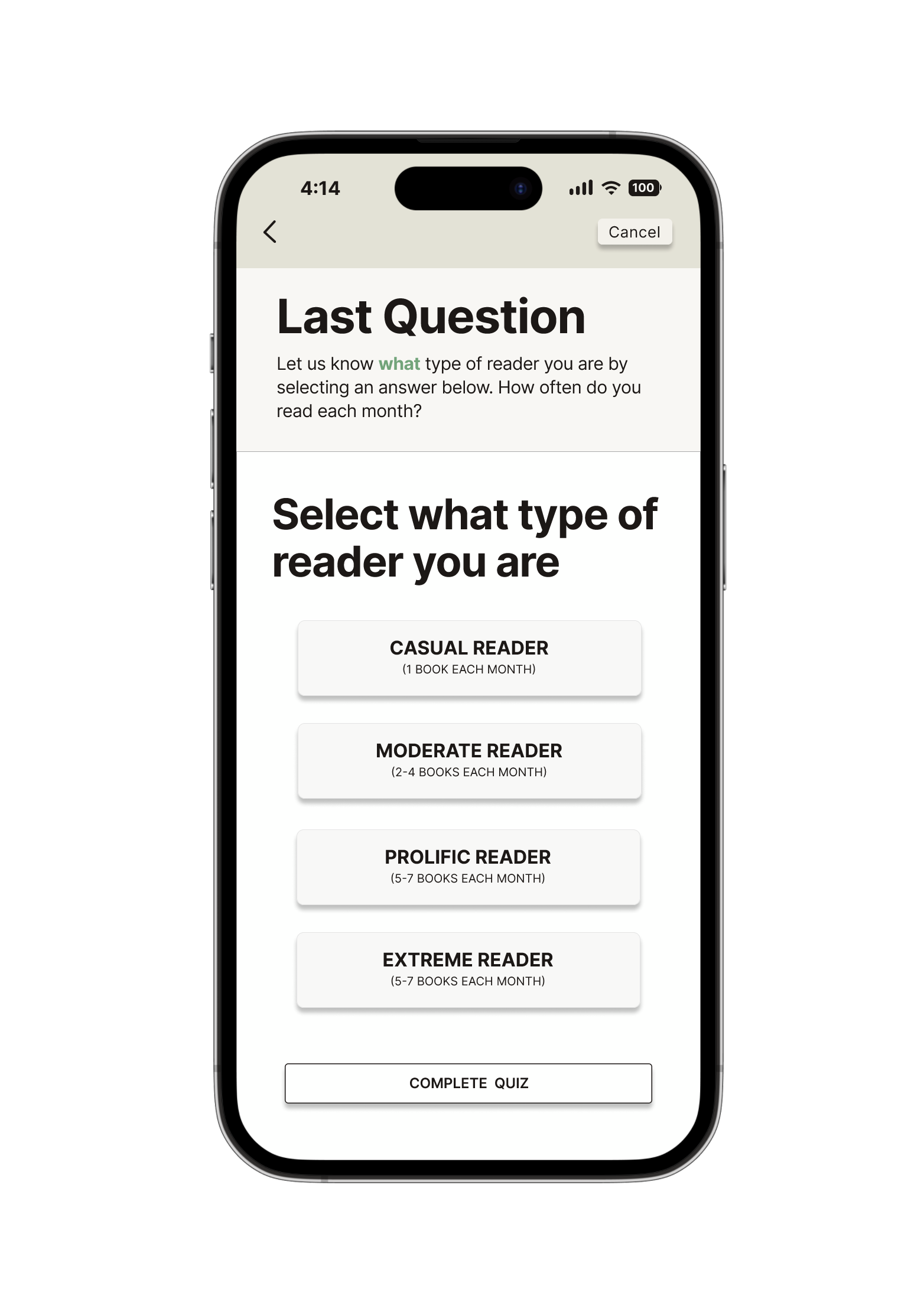
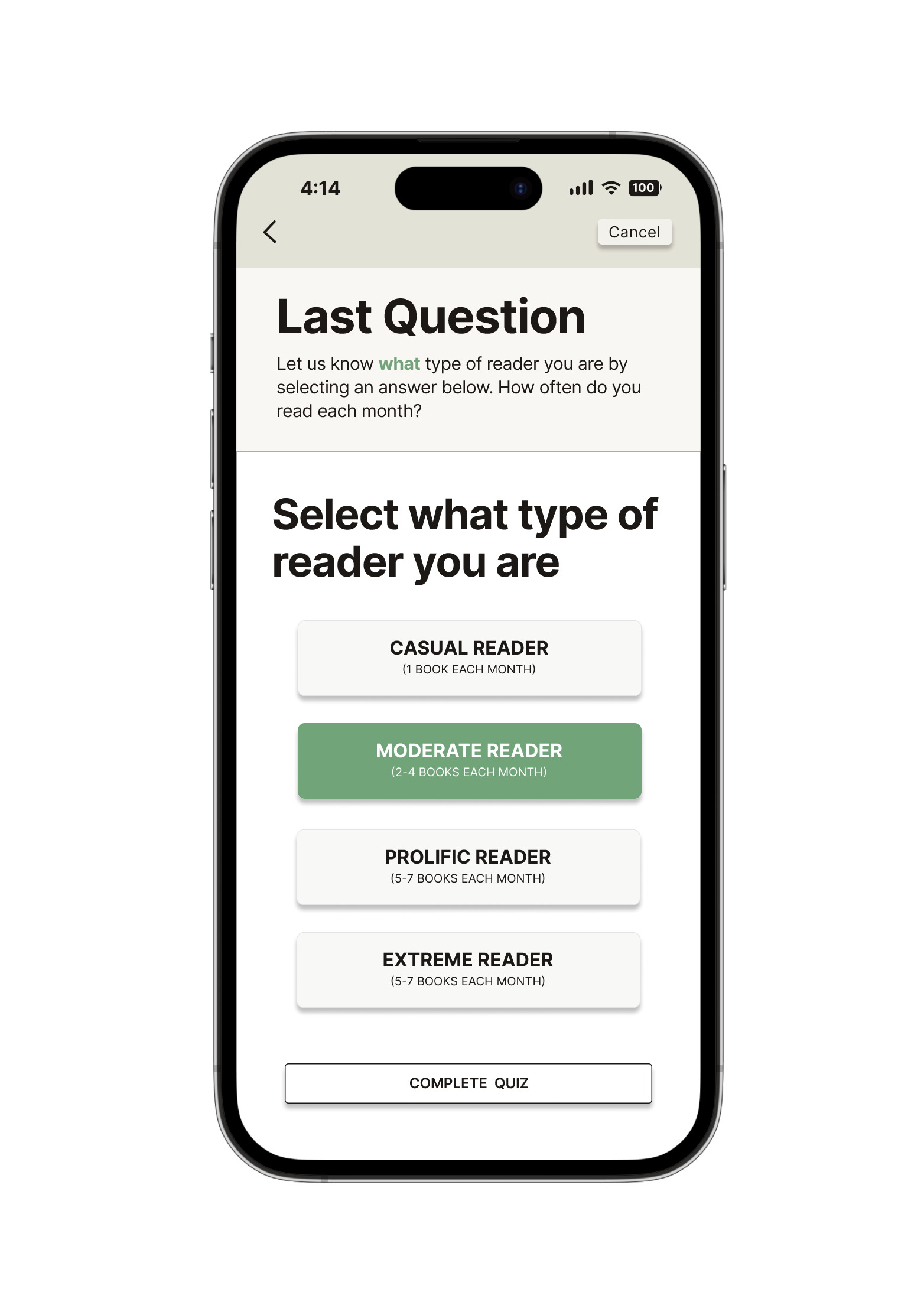
Four questions personalize the experience by matching users with book clubs they’ll love.

What’s next?
Once the user has completed the quiz, the feature will provide the user with multiple book clubs options that they can explore and/ or join.
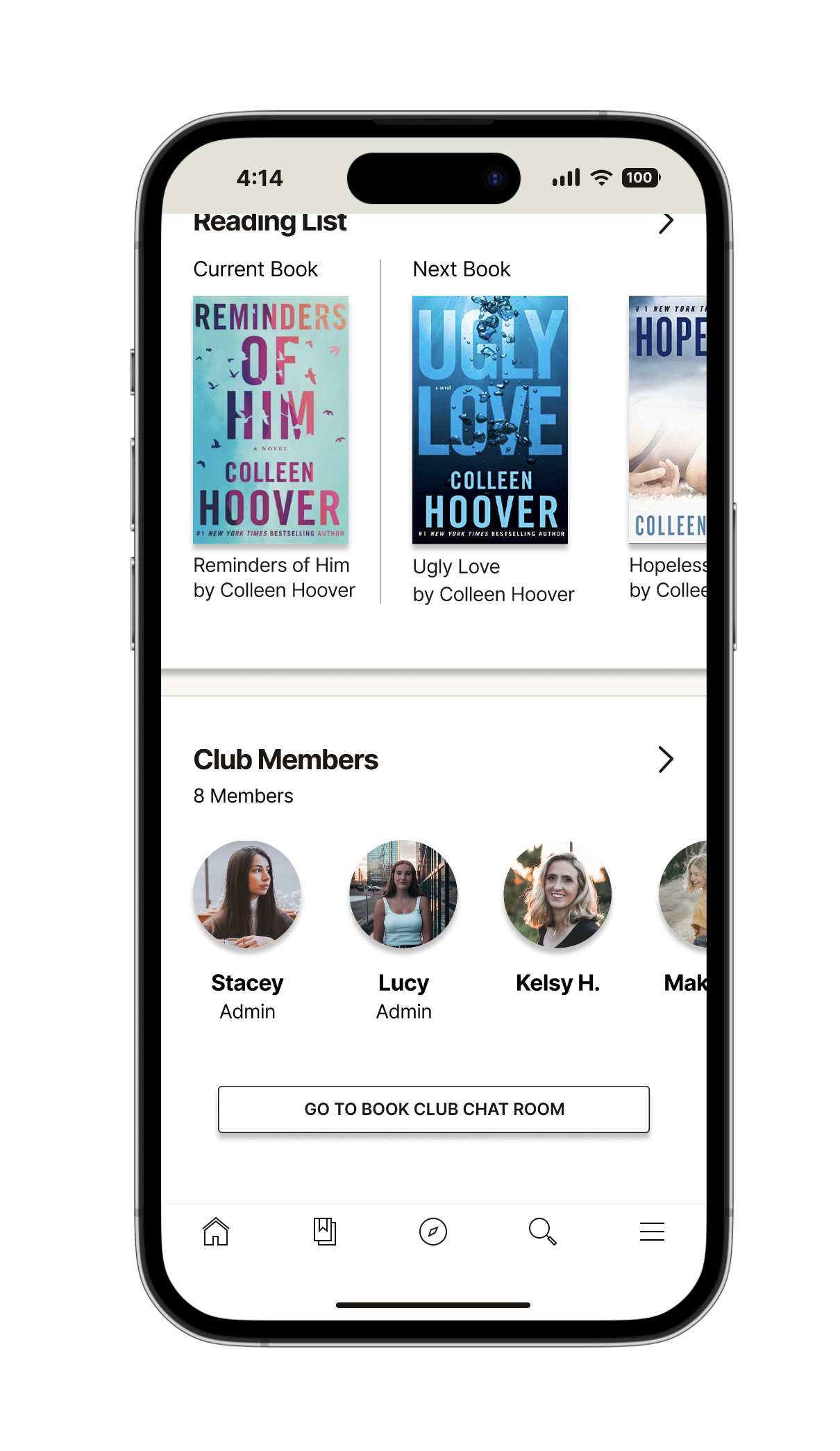
Each book club has various different elements:
Title and description of the book club
Reading list which shows the current book and the next book to be read
Club member list that gives insight as to who has already joined and how many members there are
Join book club button which allows you to join the book club
These features work together to create an engaging, interactive experience that connects readers, encourages participation, and fosters a sense of community.
After joining a bookclub, you can do a variety of things to connect with the other members of your bookclub.
Connect with others:
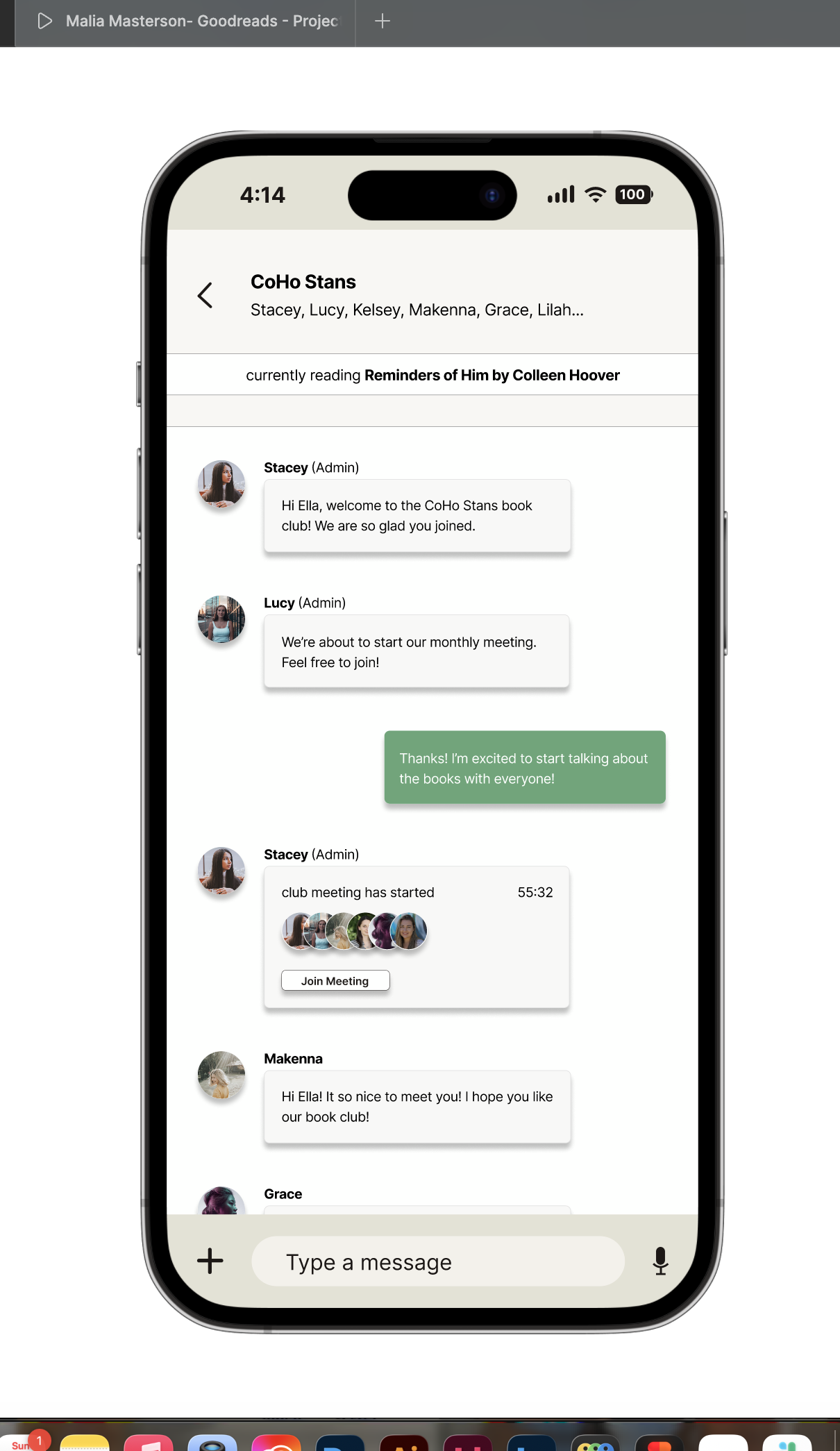
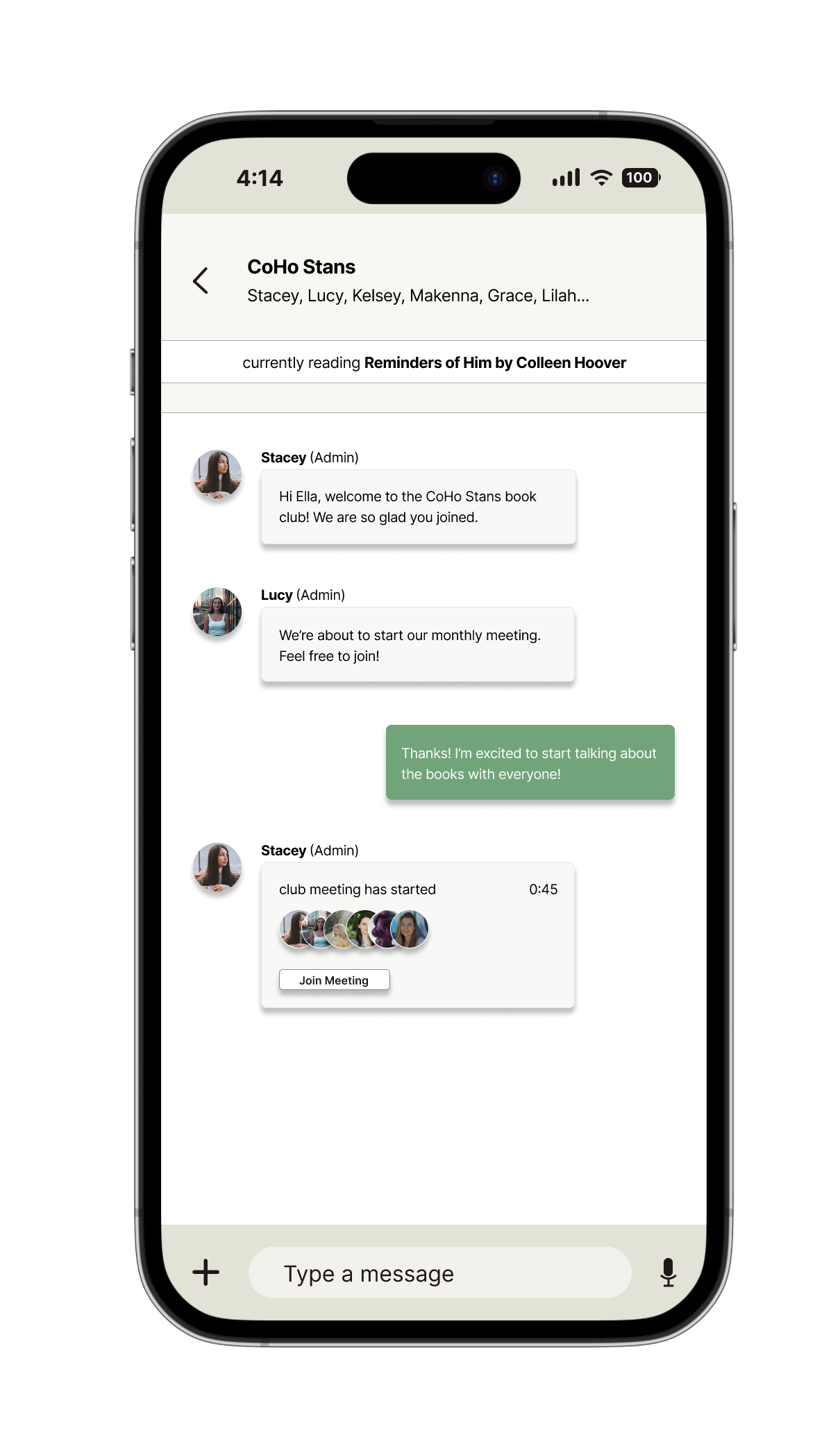
Once you join a book club, the “Go to Book Club Chat Room” button lets you jump into conversations with other members. You can see what people are discussing, participate in chats, and join live book club meetings—bringing readers together and making the experience more social and engaging.
Join a meeting:
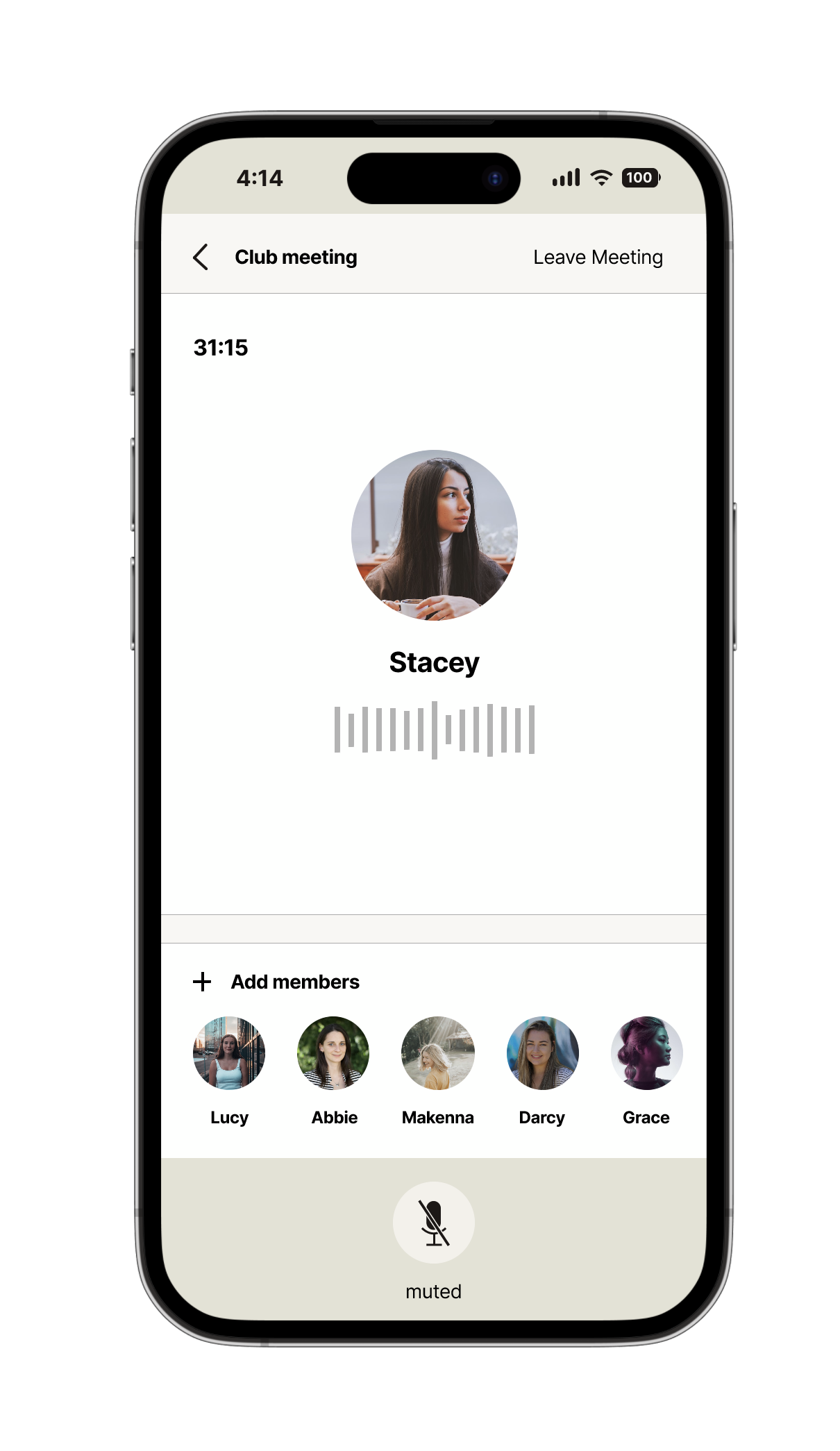
Joining a meeting is effortless—users simply tap the “Join Meeting” button shared by an admin in the chat. Once inside, they can dive into book discussions, connect with fellow readers, and engage in a shared reading experience.
Why is this feature important?
This feature is key to driving user engagement by connecting readers with others who share similar interests, fostering a strong sense of community. It creates a platform for meaningful discussions, allowing users to express their thoughts on books, making the experience more immersive and personal.